Atmos1 from DyslexicAid.com

Talk instead of typing. Listen instead of reading.

Atmos1 is one app for students who find reading and writing hard. Press a key and say what you want to write, in any app. Highlight a reading and hear it. Point at a photo of a page and hear that too. It runs on your own laptop and keeps nothing.

Not available yet. Coming to Mac and Windows. See expected pricing.

Simple, private, and powerful.

Press one key in any app, then talk.

Works wherever you can type or highlight text

One app, three jobs

Most students end up with a pile of tools: one to dictate, a browser extension to read web pages, something else for PDFs, nothing for photos. Atmos1 does all of it, with one key for each job.

Say it, and it is typed

Press the key, talk, press it again. Your words land where your cursor is: an essay, an email to your tutor, a form, a chat. The first word is never cut off.

The same key, wherever you can type.
Highlight it, and hear it

Select any text, in a PDF, on a web page, in an email, and press the key. Atmos1 reads it straight away and lights up each sentence as it goes, so you keep your place. Pause it, slow it down, change the voice. Learn more about voices.

Highlight anything, press the key, listen.

Point at it, and hear it

Some things cannot be highlighted: a scanned chapter, a locked PDF, a lecture slide, a photo of a page. Drag a box around it and Atmos1 reads it out. The picture is deleted as soon as it has been read.

Drag a box around anything on screen.

Made for university

Atmos1 started with dyslexic students, because that is who Jamie taught. Reading lists, essays, emails to tutors, forms: it takes the reading and the typing out of all of them.

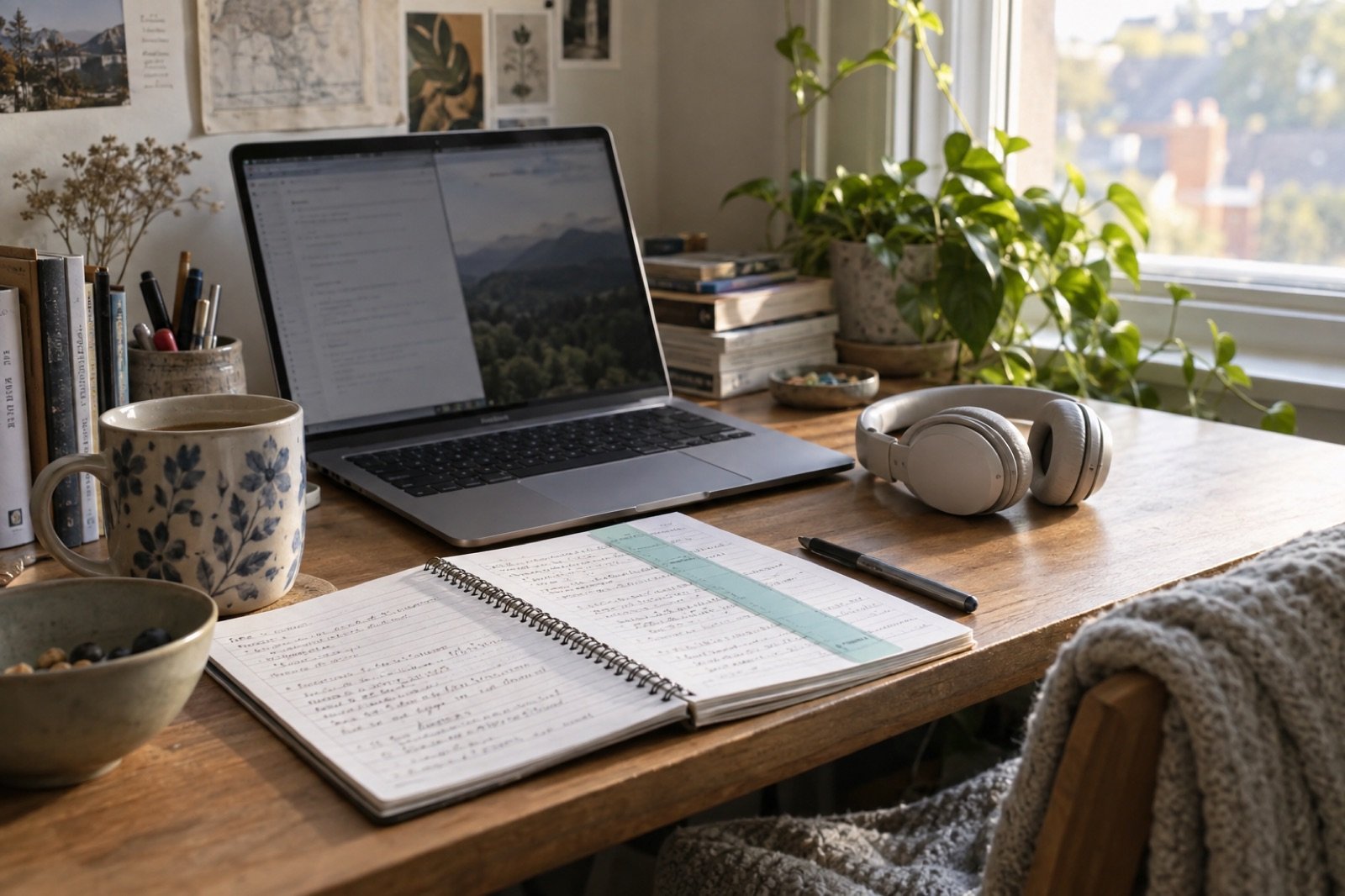
  • A student's desk in morning light with an open laptop, headphones and a notebook of handwritten notes.
    Reading lists

    Highlight a chapter or a PDF and listen at your own speed, following along as it reads.

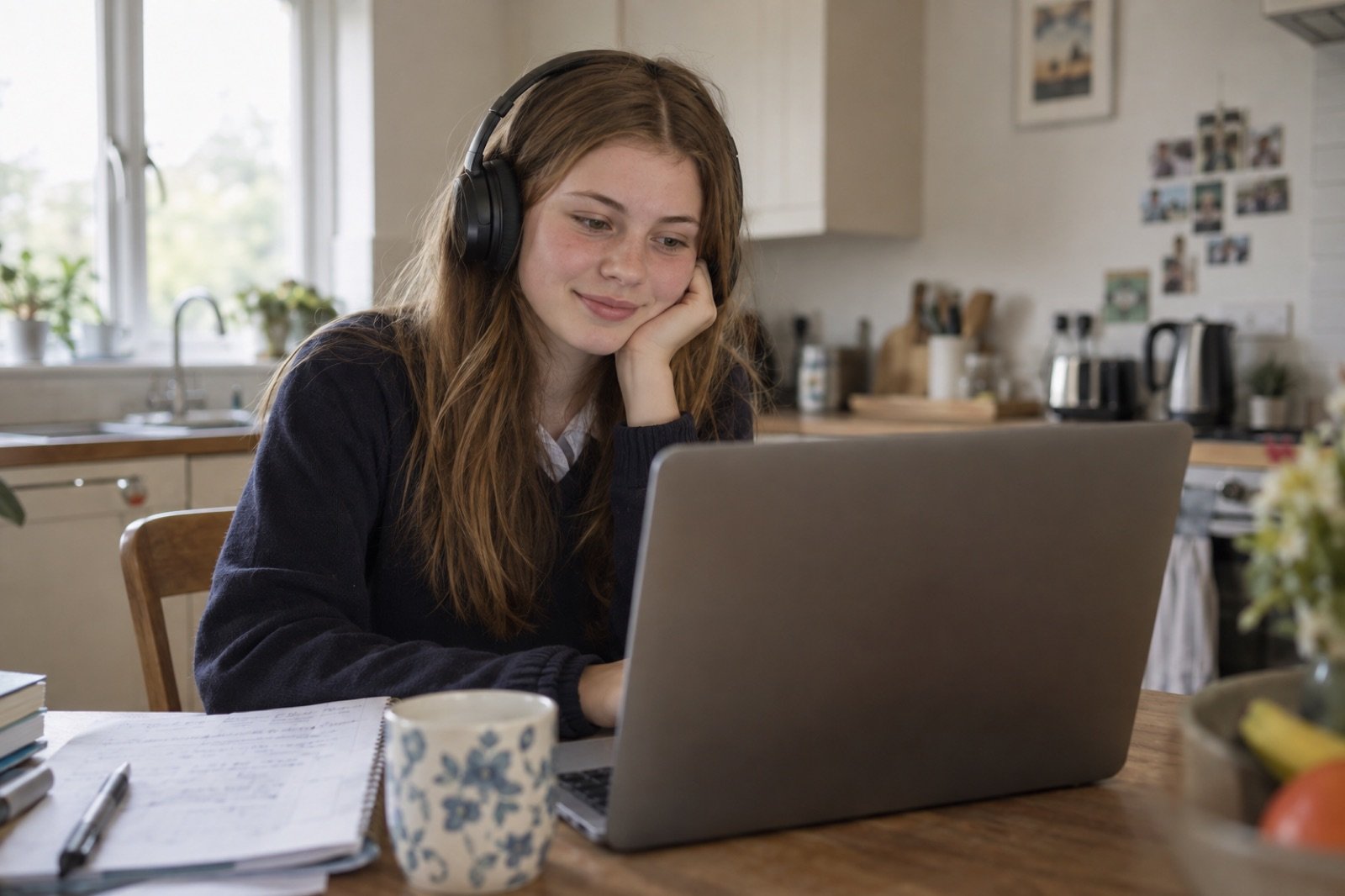
  • A student at a kitchen table working on a laptop, wearing headphones and smiling slightly as she listens.
    Essays and emails

    Say the paragraph and then tidy it. Say the email to your tutor and send it.

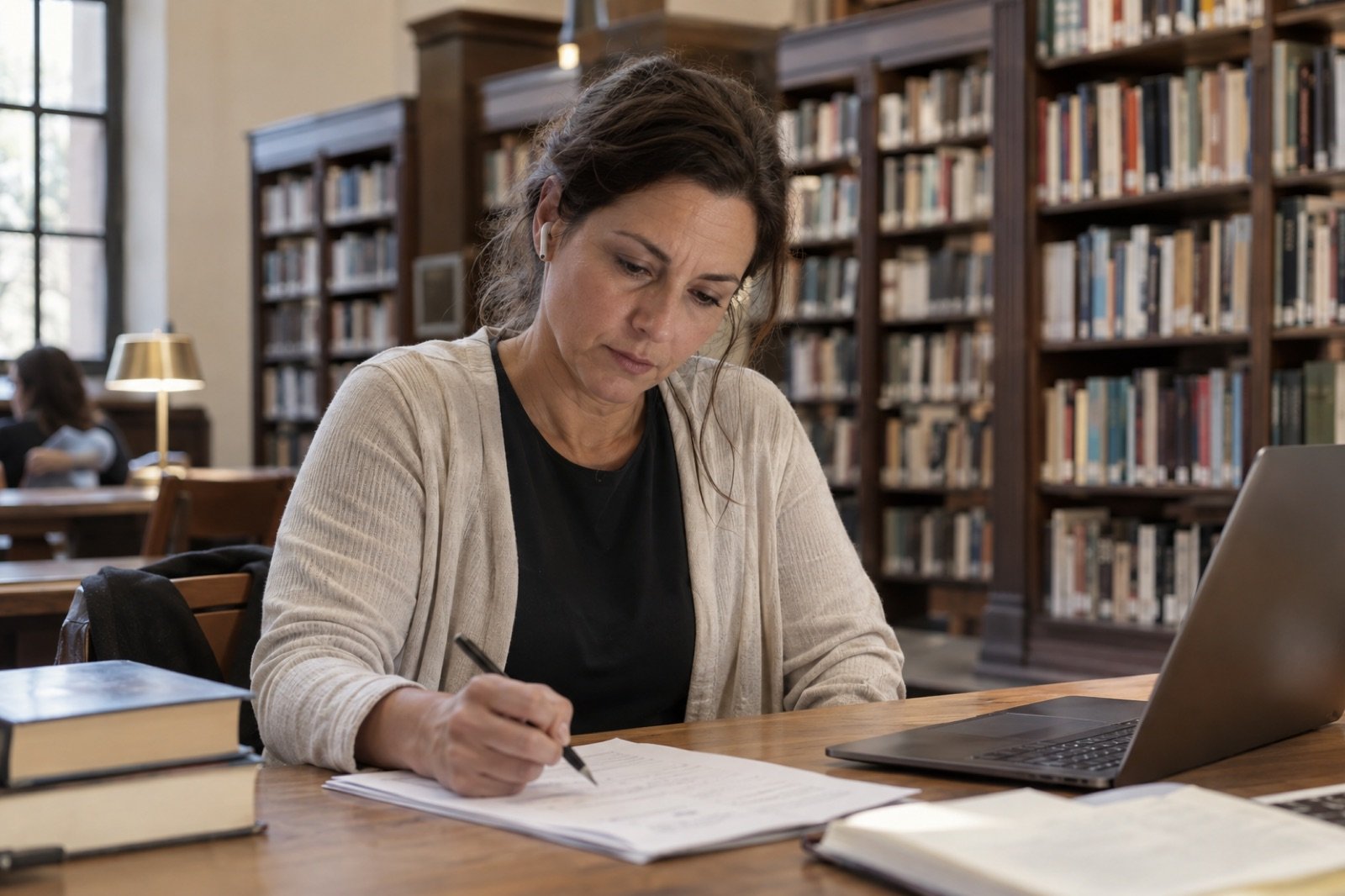
  • A student working quietly at a library desk with a laptop and paper notes, bookshelves behind her.
    Revision

    Hear your notes read back. Photograph a page from a library book and hear that too.

Simple, private, and powerful

Simple

One key for each job and nothing to learn. No menus, no settings you have to touch. It sits quietly until you press it.

Private

Nothing you say, highlight or photograph is kept. There is no history. Reading aloud runs on your own laptop.

Powerful

Copes with real speech: pauses, accents, a quiet voice in a library. Works in every app. Reads pictures other tools cannot.

Built by a dyslexic, with dyslexic students

Atmos1 comes from DyslexicAid.com. Jamie, who makes it, is dyslexic. He got through school and into an engineering degree by listening instead of reading and talking instead of typing, and he has since taught those tools to hundreds of dyslexic students and their families.

Every part of Atmos1 started as something one of them needed: the reading that follows along so you keep your place, the key that reads a photo of a page, the promise that nothing you say is ever kept.

Never keeps a word

A lot of dictation software sends your voice to a server and keeps a record of what you said. Atmos1 does neither.

A man at a desk by a window, talking towards his open laptop with a mug in his hand.
  • Nothing is stored

    What you say and what you read are used for the job in front of you and then thrown away. No history, ever.

  • You choose where dictation runs

    Dictation uses Atmos1's cloud, which turns your speech into words and keeps none of it. Choose On this Mac in Settings (On this computer on Windows) and it never leaves your laptop. Reading aloud always runs on your computer.

  • Pictures are deleted once read

    The box you drag becomes a picture just long enough to read it. Then it is gone, whether the reading finished or you stopped it.

  • One account, one number

    You sign in once. The only thing Atmos1 sends home is how many words you used this week, so it knows which plan you are on. Never the words themselves.

Expected pricing

Atmos1 is not available yet. These are the prices we expect at launch. They may change before then.

Personal use

Plan Expected price Included
Free £0 1,000 dictated words and 5,000 read words a week
Unlimited £10 a monthincluding VAT Unlimited dictation, and reading text and images aloud
Register your interest

For universities, colleges and schools

Package Expected annual price Included
Pilot25 licences £3,000+ VAT 12 months of unlimited use for 25 people
Standard50 licences £6,000+ VAT 12 months of unlimited use for 50 people

More licences are expected to be available in packs of 50.

Planned features

These are planned for institutions and are still being built.

  • Give licences to people, and move a licence to someone else
  • Help getting staff and students started
  • Reports on how many people use Atmos1, which never show what anyone dictates or reads
  • A named person to contact for support
Enquire about institutional access

Good questions

Anything else, ask through DyslexicAid.com.

Does it work in every app?

Anywhere you can type or highlight text: Word, Google Docs, email, your university's online learning site, PDFs, WhatsApp, web browsers, search boxes. If an app blocks typed text, as some password fields do, Atmos1 shows you the words with a copy button rather than losing them.

Will it understand my accent?

It is built for UK English and for real speech: pauses, accents, a quiet voice, changing your mind halfway through a sentence. Speak normally. If it keeps getting a name or a term wrong, add it to Atmos1's dictionary and it will get it right from then on.

Does it need the internet?

For dictation, yes, at first. Dictation uses Atmos1's cloud, and Atmos1 shows you whenever it is in use. If your laptop is fast enough, choose On this Mac in Settings (On this computer on Windows) and download a speech model. Dictation then stays on your laptop and works offline. Reading aloud always runs on your computer, with or without the internet.

Does it change what I said?

No. Atmos1 writes down what you said, with punctuation. It does not rewrite your words or add anything. What you say is what appears, so the work stays yours.

Is it free?

We expect a free plan with 1,000 dictated words and 5,000 read words a week. Unlimited is expected to cost £10 a month, including VAT. Atmos1 is not available yet, and these prices may change before launch.

I'm at university. Who can help me set it up?

Your university's disability or study support service will know about tools like this and can help you fit it into your course. If your university might want licences for its students, point them to the institutional prices above.

Which computers does it run on?

Atmos1 is being built for Mac, both Apple silicon and Intel, and for Windows. There are no plans for other systems.

Want to hear when it launches?

Atmos1 is not available yet. Register your interest and we will keep you posted.

Register your interest